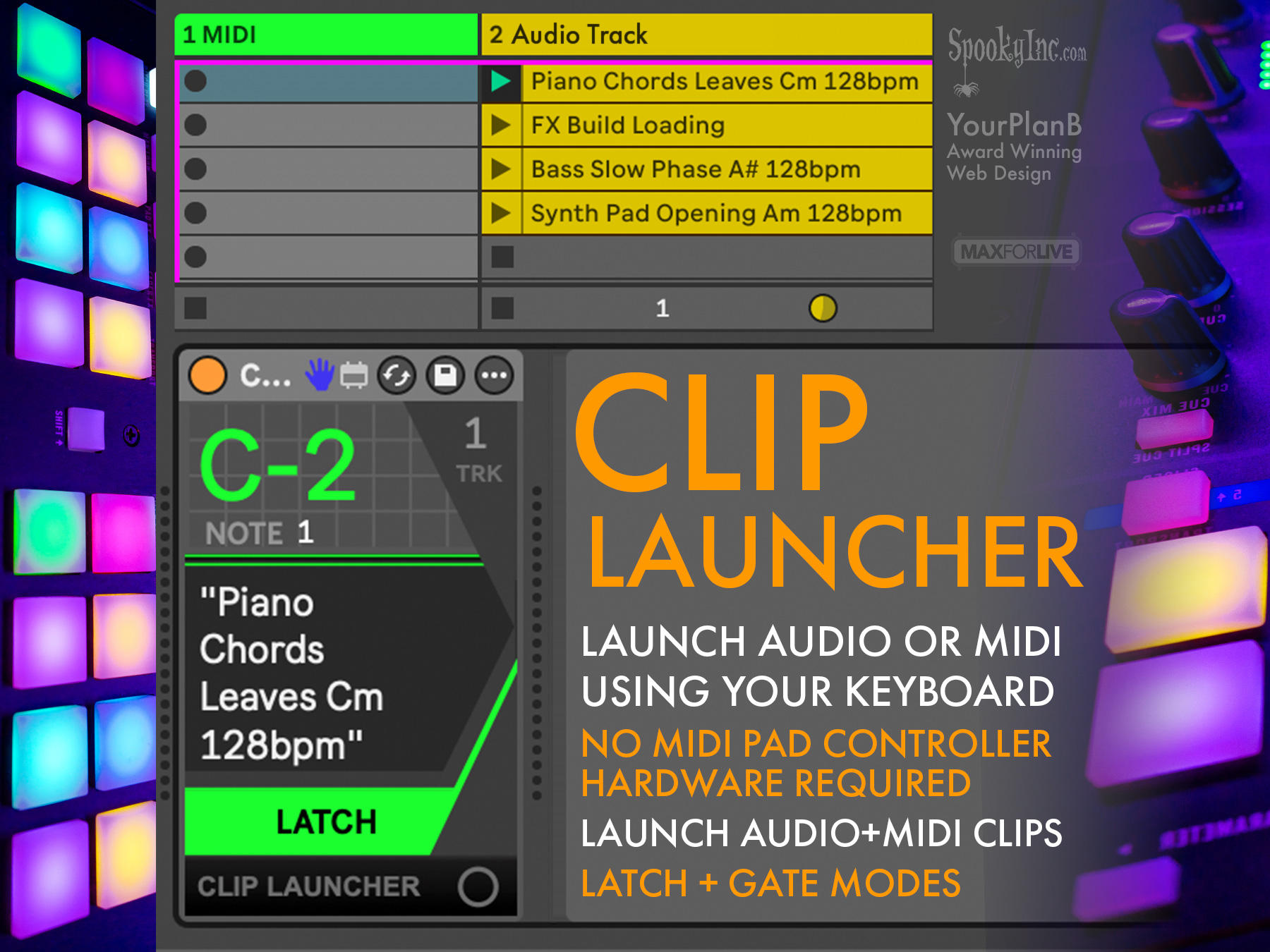
Clip Launcher (MaxForLive)
Fulfilling a need, as well as necessity, is the mother of invention.
While DavidB continues his journey into Sound Design, more little frustrations have led to more and more MaxForLive devices that improve the music production workflow.
Sometimes while setting up a Musical Set in the musical software Ableton Live, choosing sounds and hearing how sounds interact with each other can be an important but long process of discovery. If a music Producer does not want to set up their midi Grid Launcher – since it can take up quite a bit of room on you desk, they have to click on a small “clip” that contains a snippet of sound or a sequence of notes. The mouse is not a very intuitive or fluid way to play sounds.
Ever the problem solver, DavidB saw an opportunity to simplify the process of finding new sounds by allowing the user to simply play a note on their Midi musical keyboard (like a small digital piano that sends notes to the computer) or even their typing keyboard if it is setup to play musical Midi notes. By designing a new MaxForLive Device, DavidB has brought this solution to users of Ableton with the Clip Launcher device (available at GumRoad)
This process of identifying and solving a problem is not unlike any other technical creativity, even how users interact with your website. YourPlanB is always excited to discover a way to simplify your user’s experience with your product – website, kiosk, online form, or even musical software – whatever it is!